Rosemary Host keeps your Discord bots online 24/7 from your own PC, and tunes that PC for games with a built-in optimizer. Set it up in two minutes, no code, no hosting bills.

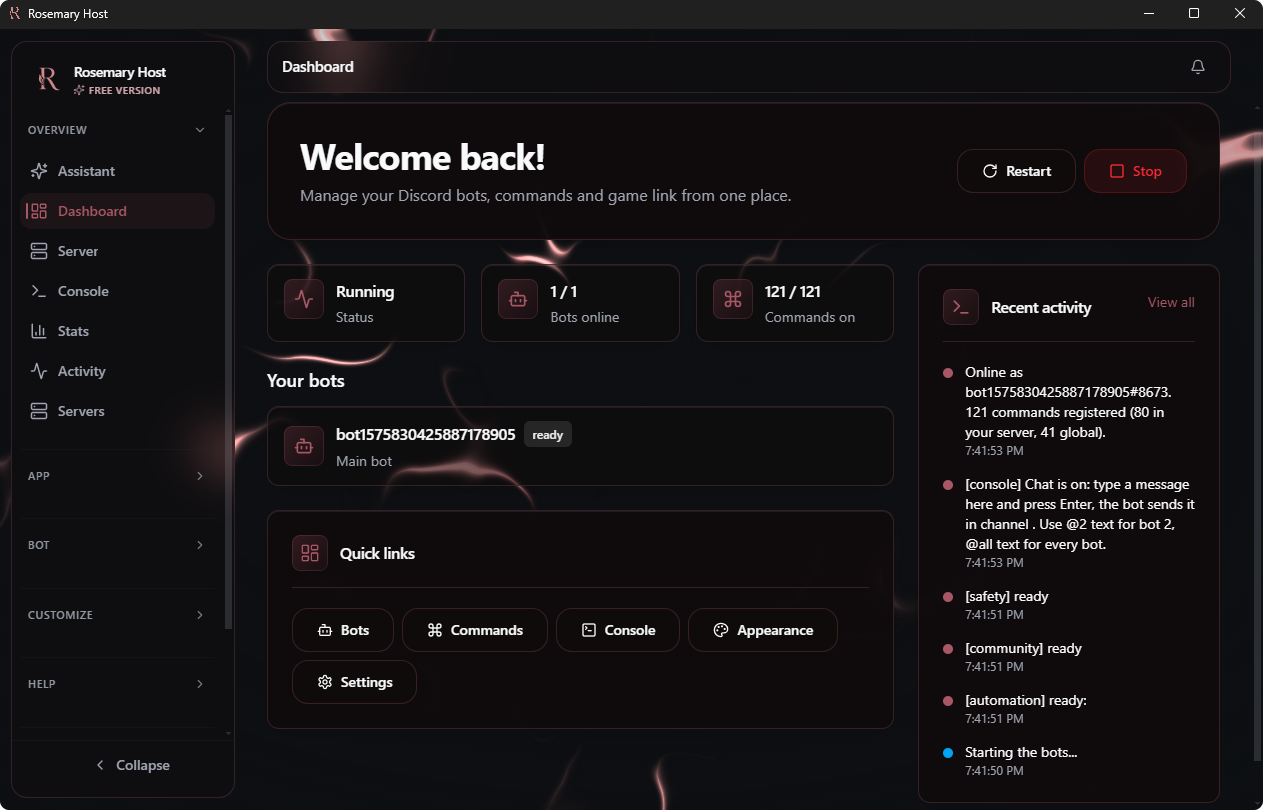
Add your bot token and Rosemary Host does the rest. It runs quietly in the system tray, restarts if something crashes, and updates itself.
Close the window and your bots keep running. Start with Windows if you like, and watch everything in a built-in console.
Add several bot tokens and run them together. Turn each one on or off, and get an invite link for every bot.
Moderation, server tools, utility, fun and community commands are ready to use, so you don't need to write anything. Browse them all.
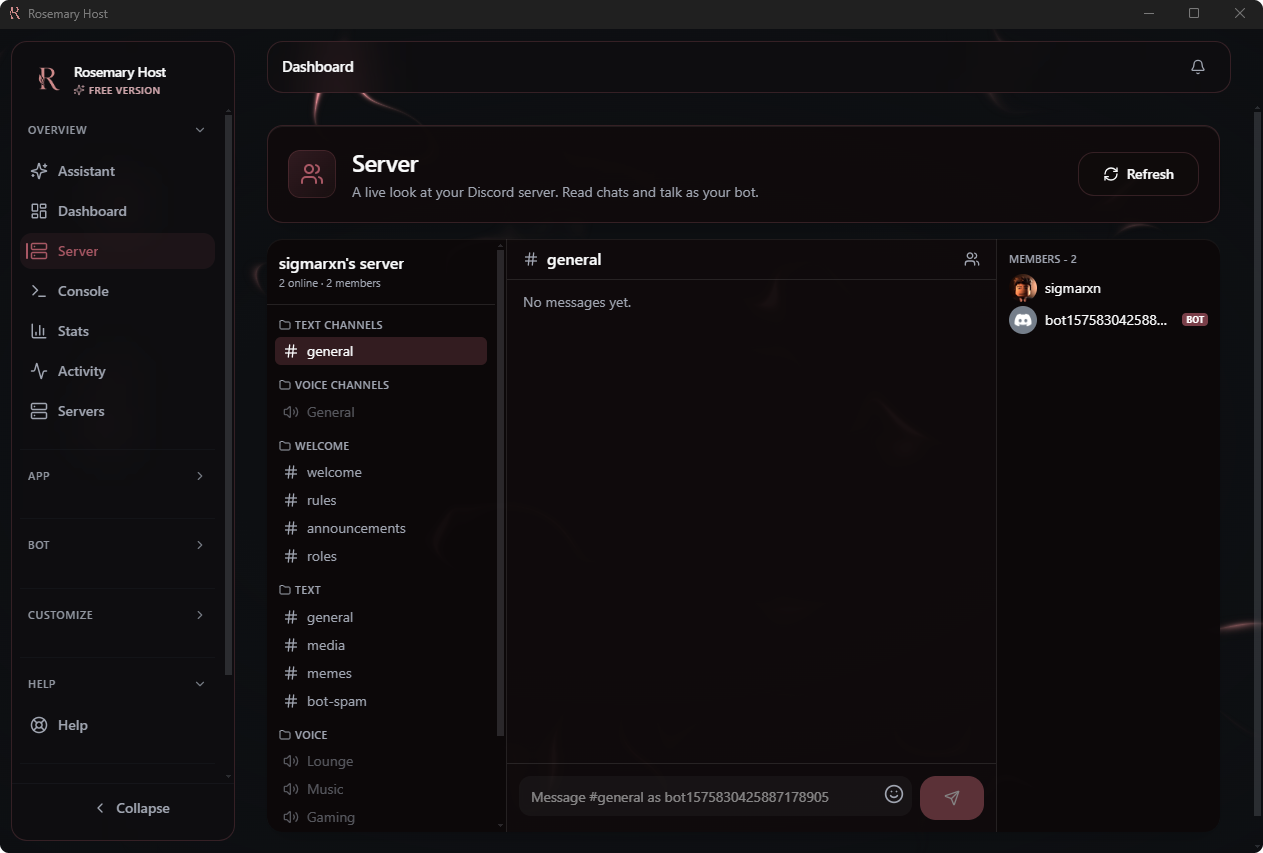
See your Discord server inside the app. Click channels, read everyone's chat, send messages, pin, edit, kick and ban.
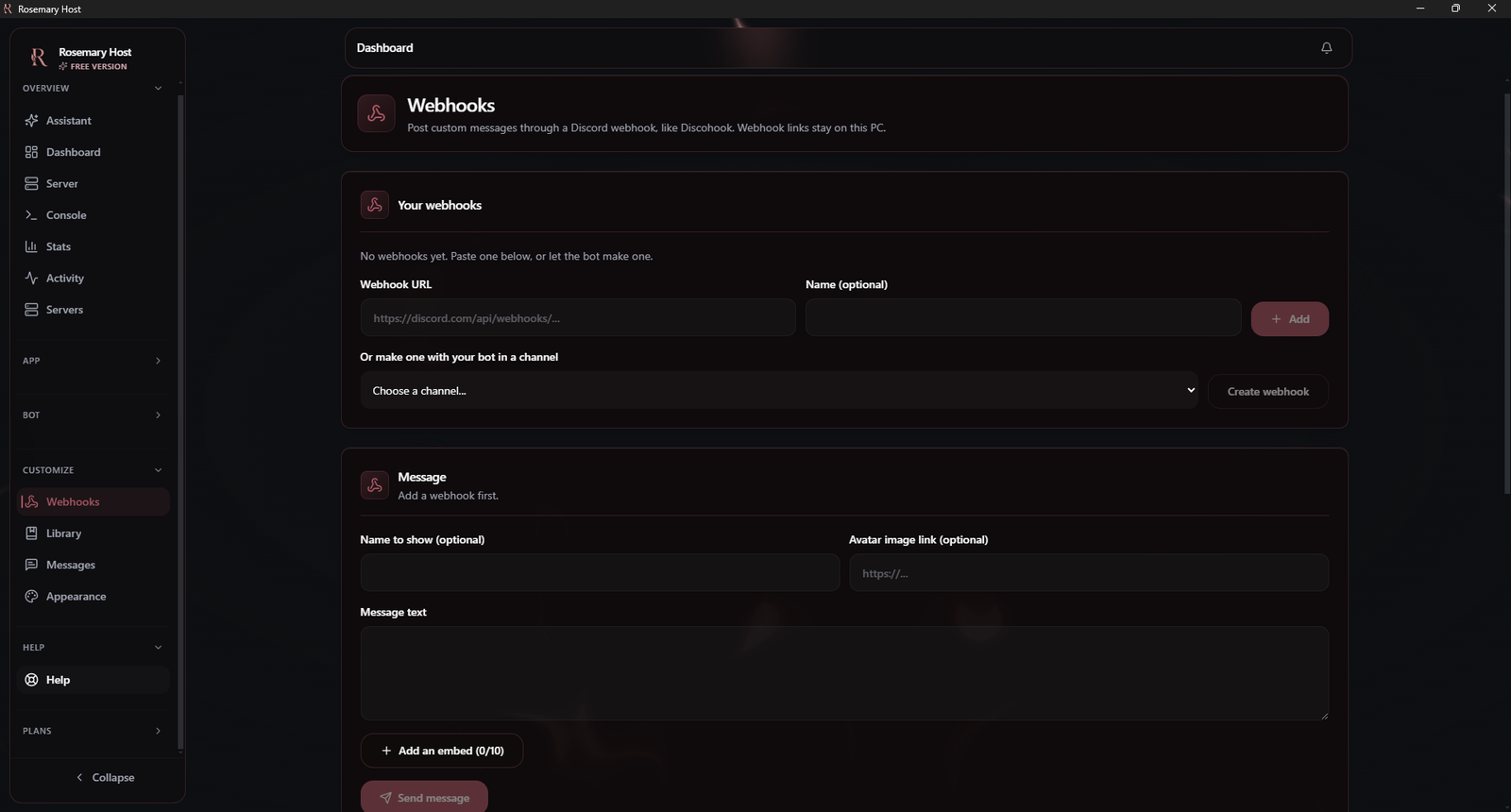
Build messages with embeds and a live Discord-style preview, then send, edit or delete them through any webhook.
Ask Rosemary for help with the app or your bot. It works straight away with nothing to set up.
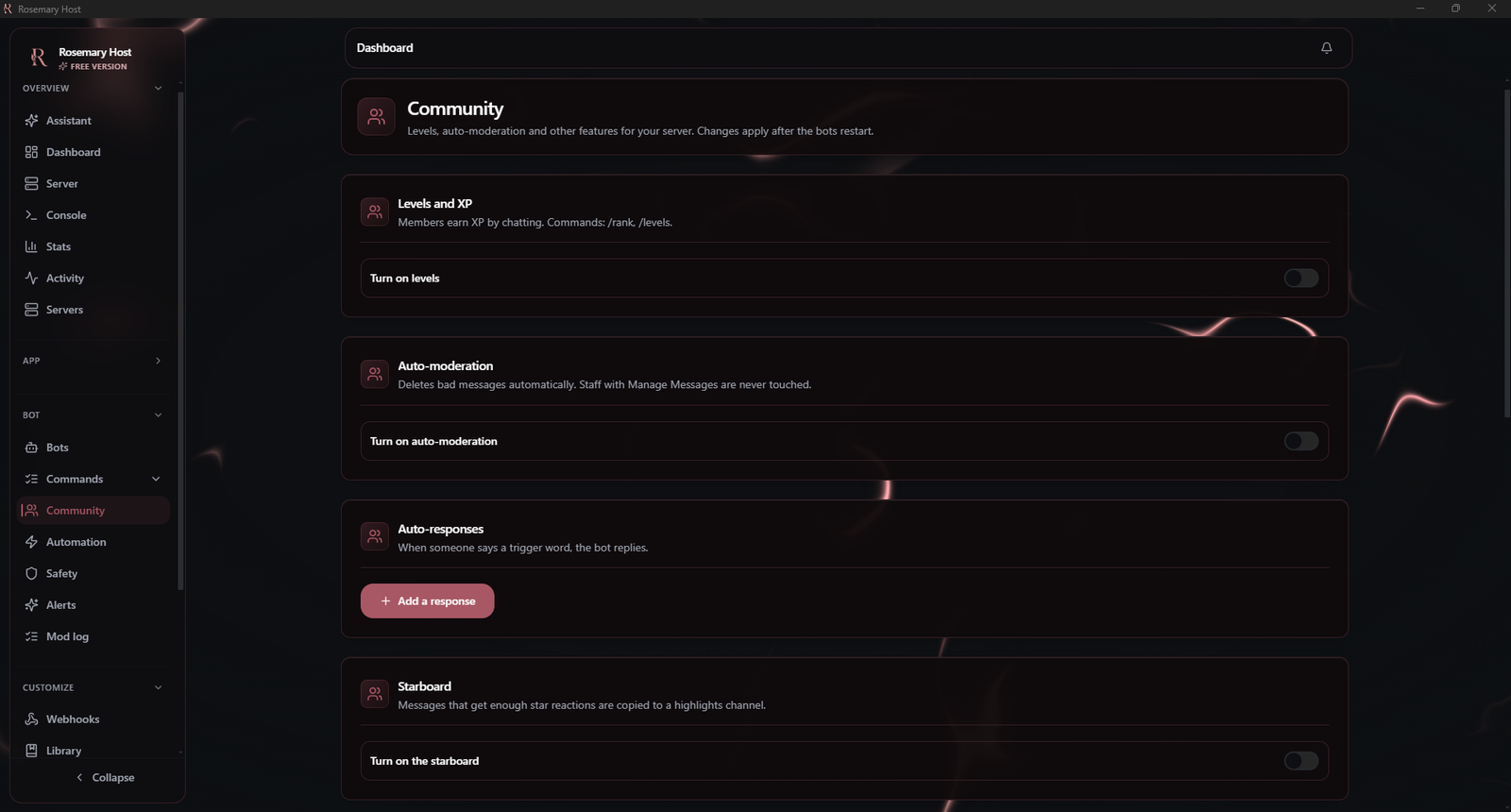
Levels with role rewards, an economy, birthdays, starboard, sticky messages, role panels and temporary voice channels.
Block invites, spam and bad words. Set welcome and leave messages, auto-roles, a mod log and scheduled messages.
Rename or turn off any command, change what it says, and write your own commands from inside the app.
See your server's numbers, and a login history with IP address and country flag so you know who signed in.
Your settings are backed up automatically every day, and you can restore one with a click.
Get a desktop notification if your bots go offline unexpectedly, and they restart themselves.
Set the status, activity text and name. Pick which device your bot appears on, like phone or PC.
A dark rose glass design with an animated background and plenty of effects to choose from.
When a new version is out, the app asks you to update. One click and it restarts on the new version.
Tokens and webhook links are stored on your computer and never uploaded. Sign in with Discord or Google to keep your settings.
Open the Optimizer from the home screen. Tune Windows for games, boost each game, ask the AI advisor, cut input lag and ping, clean junk, and fix problems. Every change is backed up first, and you can undo any of it.
Makes a restore point, then applies the recommended tweaks. A score shows how tuned your PC is.
Each tweak saves what it changed. Switch it off, or press Undo everything to put it all back.
It finds your games on Steam, Epic, GOG and Roblox. Pick one and press Boost for the fast GPU, true fullscreen and high CPU priority every launch.
Ask what to turn on for your PC. It sees your hardware, tweaks and games, then suggests tweaks you can apply with one click.
Game Mode, GPU scheduling, scheduler priority, timer resolution, CPU core parking, USB and PCIe power saving, mouse and keyboard, and more.
Remove network throttling, low latency TCP, a ping test, DNS presets and a one click network reset.
See what is wasting space, then clear temp files, caches, crash dumps, shader caches, Discord, Steam and Roblox junk.
Turn off apps that slow down sign in. Nothing is deleted, so you can switch them back on.
Close heavy background apps before you play, give your game high priority, and free up memory.
Scan and fix system files, repair the Windows image, optimize your drive, and remove preinstalled apps you do not use.
Turn off the advertising ID, activity history, Start menu ads and extra telemetry.
Results depend on your PC and the game. Rosemary Host does not promise a set FPS gain.
The real app, running on a real server.


Every command has its own embed builder with a live Discord-style preview. Change the words, colours, images and fields, or make a brand new command from scratch.
RosemaryBOTYou need a Windows PC and a Discord bot token. The setup wizard walks you through all of it.
Click download, open the installer and follow the steps. It adds a Start Menu entry, and a desktop shortcut if you want one.
The setup wizard opens the Discord developer portal for you and tells you exactly what to click.
Your bot goes online. Close the window and it keeps running from the tray.
The things people ask most.
Yes. Rosemary Host isn't code-signed yet, so Windows shows an "unknown publisher" message for new apps. Click More info, then Run anyway. Your antivirus may also ask you to confirm it.
The app runs as administrator so it can keep your bots running reliably in the background. Windows shows a shield prompt each time you open it.
On your own computer, in the app's settings folder. It is only sent to Discord to log your bot in.
The setup wizard has an "Open developer portal" button and short instructions: create an application, open its Bot page, press Reset Token, copy it, and turn on the Privileged Gateway Intents.
The app checks for a new version when it starts. If there is one, it shows a message with an Update now button, then restarts on the new version. Your settings are kept.
No. The Assistant works as soon as you are signed in. Nothing to paste or set up.
No. Rosemary Host runs your bots from your own computer, so they stay online while it is on and running (it can start with Windows and runs in the tray).
Yes. Sign-in only gives us your name, email and picture, used to save your settings. Your bot tokens never leave your PC. See the Privacy Policy.
Every tweak saves what it is about to change first, and you can switch it off or press Undo everything to put it back. The one click button also makes a Windows restore point. Results vary by PC, and some tweaks need a restart.
No. Rosemary Host is free to download and use.